


|
Name |
Skyline Emulator |
|---|---|
|
Category |
Tools |
|
Developer |
EJ entertainment Ltd. |
| Last version | 5.2.0 |
|
Updated |
|
|
Compatible with |
Android 7.1+ |
Introduction to Skyline Emulator APK
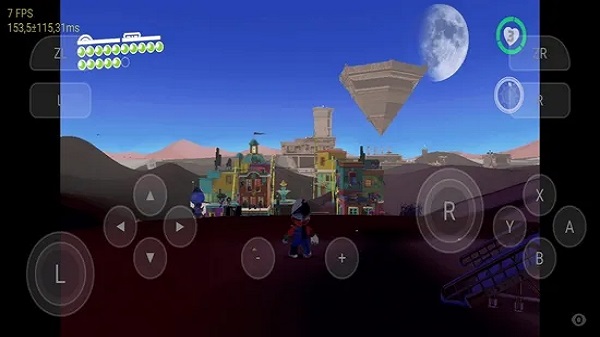
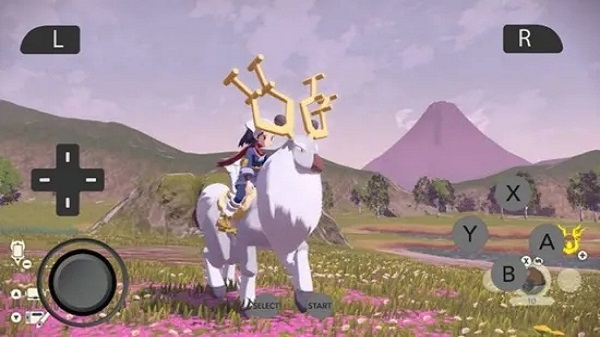
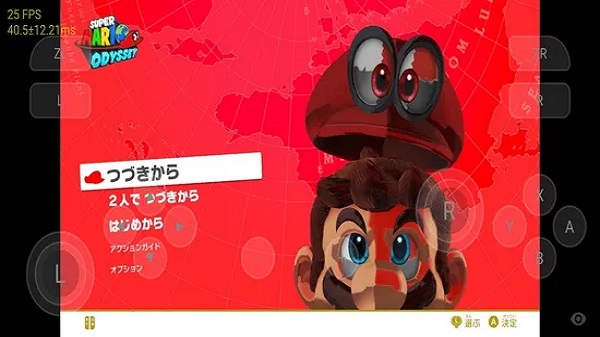
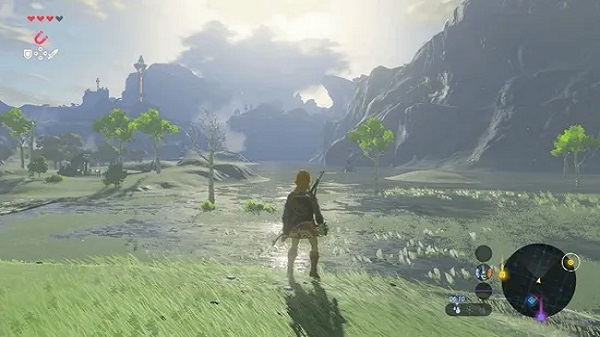
Skyline Emulator APK is an Android app built to run Nintendo Switch games on phones and tablets. It gives users a way to load supported game files from local storage, map on-screen controls, and adjust performance settings without dealing with a messy interface. The setup is fairly simple once your game folder and required keys are in place.
The app is mainly used by people who want to test or play compatible Switch titles on Android hardware. It supports common file formats linked to Switch software, and it scans selected folders so games can appear in one library. From there, users can launch a title, use touch controls, and make quick changes in the settings panel if a game needs a smoother setup.
One of the most useful parts of Skyline is its control over graphics and performance. Users can switch options that affect rendering, change how the app handles gameplay output, and use a docked-style mode for titles that respond better to higher power settings. That flexibility matters because emulation is rarely one-size-fits-all. Some games boot nicely, some need tweaking, and some may still act a little dramatic.
The interface keeps things approachable. You open the app, point it to the right folder, and manage your game list from there. This makes Skyline a practical choice for people who want a portable emulator without spending ages hunting through menus. It is especially helpful for Android users who like testing settings, comparing performance between devices, or carrying a game library in their pocket.
Skyline also has clear strengths. It is open-source, focused on Android, and designed around mobile use rather than desktop habits squeezed onto a small screen. For users with capable hardware, it can deliver solid results and a convenient way to run compatible Switch titles on the go. The ability to fine-tune settings adds real value, especially when a game needs a few small changes before it runs properly.
There are limits, and they matter. Game compatibility is uneven, so some titles may run well while others may glitch, slow down, or fail to load. Setup can also confuse first-time users because production keys, file management, and performance tuning are part of the process. Skyline suits people who are comfortable adjusting settings and understand that emulation can take patience. If you want a simple tap-and-play setup for every game, this app may feel a bit stubborn.
FAQs Skyline Emulator
What is Skyline Emulator APK used for?
+
Skyline Emulator APK is used to run compatible Nintendo Switch games on Android devices. It lets users load local game files, manage folders, and adjust settings for better performance.
Which devices can run Skyline Emulator APK?
+
Skyline Emulator APK is made for Android devices, and performance depends a lot on your phone or tablet hardware. Stronger devices usually handle games more smoothly.
What game file formats does Skyline Emulator support?
+
Skyline Emulator is commonly associated with formats such as NSP, XCI, NRO, NSO, and NCA. Supported files can be scanned from a selected folder inside the app.
Does Skyline Emulator APK work with every Nintendo Switch game?
+
No emulator gives perfect results across every title, and Skyline is the same. Some games run well, some need setting changes, and some may have bugs or fail to boot.
Is Skyline Emulator APK easy for beginners to use?
+
The app interface is fairly clean, so basic navigation is simple. The harder part is setup, since users may need to add keys, organize files, and tweak graphics or performance options.
Discover More Interesting Apps
-

Yuzu Emulator
vd590cfb9d
34.14 Mb
Updated -
Nyushu Emulator
v0.0.500
34.9 MB
Updated -
Mod
Kimi
v2.7.7
100.42 Mb
Updated -
Flezen
v1.7.6
49 MB
Updated -
TikFinity
v2.5.3
79.83 Mb
Updated -
Mod
Remote Mouse Pro
v5.313
59.28 Mb
Updated -
Mod
Spatial Touch
v1.2.9
163.58 Mb
Updated -
Mod
Tevi
v3.36.3
176.19 Mb
Updated -
Activity Launcher
v2.3.1
61.34 Mb
Updated -
Mod
LagoFast Mobile
v1.30.2
81.60 Mb
Updated









Share Your Thoughts